A kitchen website that builds itself as you scroll
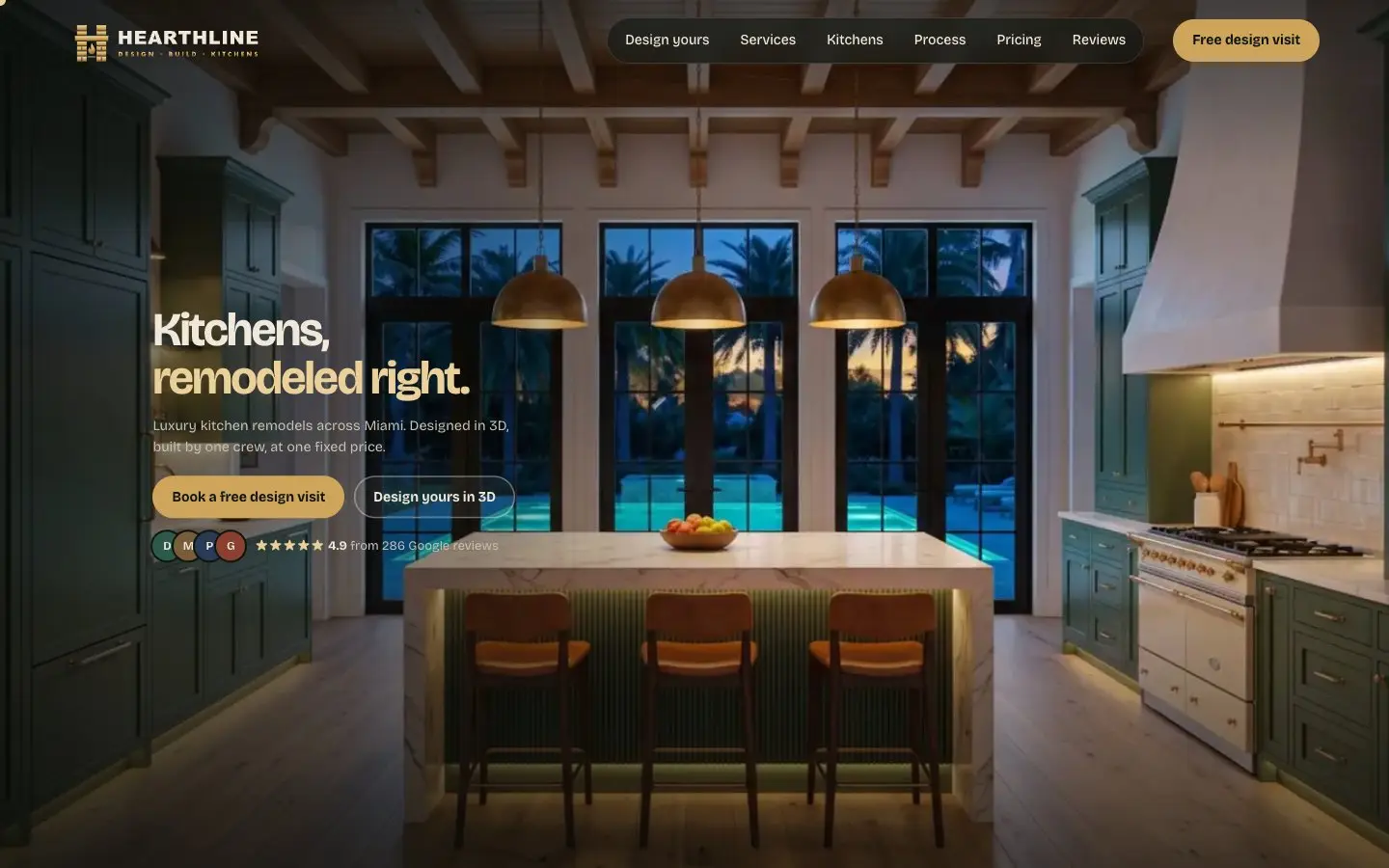
Hearthline Kitchens is a concept site, not a client. We made up a luxury kitchen remodeler in Miami to show what a contractor's website can do, and to see how fast AI could get a site like this off the ground.
- Project
- Concept site (not a client)
- Trade
- Kitchen remodeling
- Built with
- HTML, GSAP, Three.js
- First version
- About 20 minutes with AI
- Live demo
- fusewebdesign.com/demos/hearthline
The problem
Most remodeler websites look the same: a stock photo, a list of services and a contact form. A homeowner about to spend a lot on a kitchen wants to picture the result before they call anyone.
We wanted to know if a contractor's website could feel like walking into a showroom, without a big-agency budget or a months-long timeline.
The scroll animation
You land in front of a house. As you scroll, you walk through the front door, the empty room fills with cabinets, an island and lights, and dusk falls outside. Then a short headline and two buttons appear.
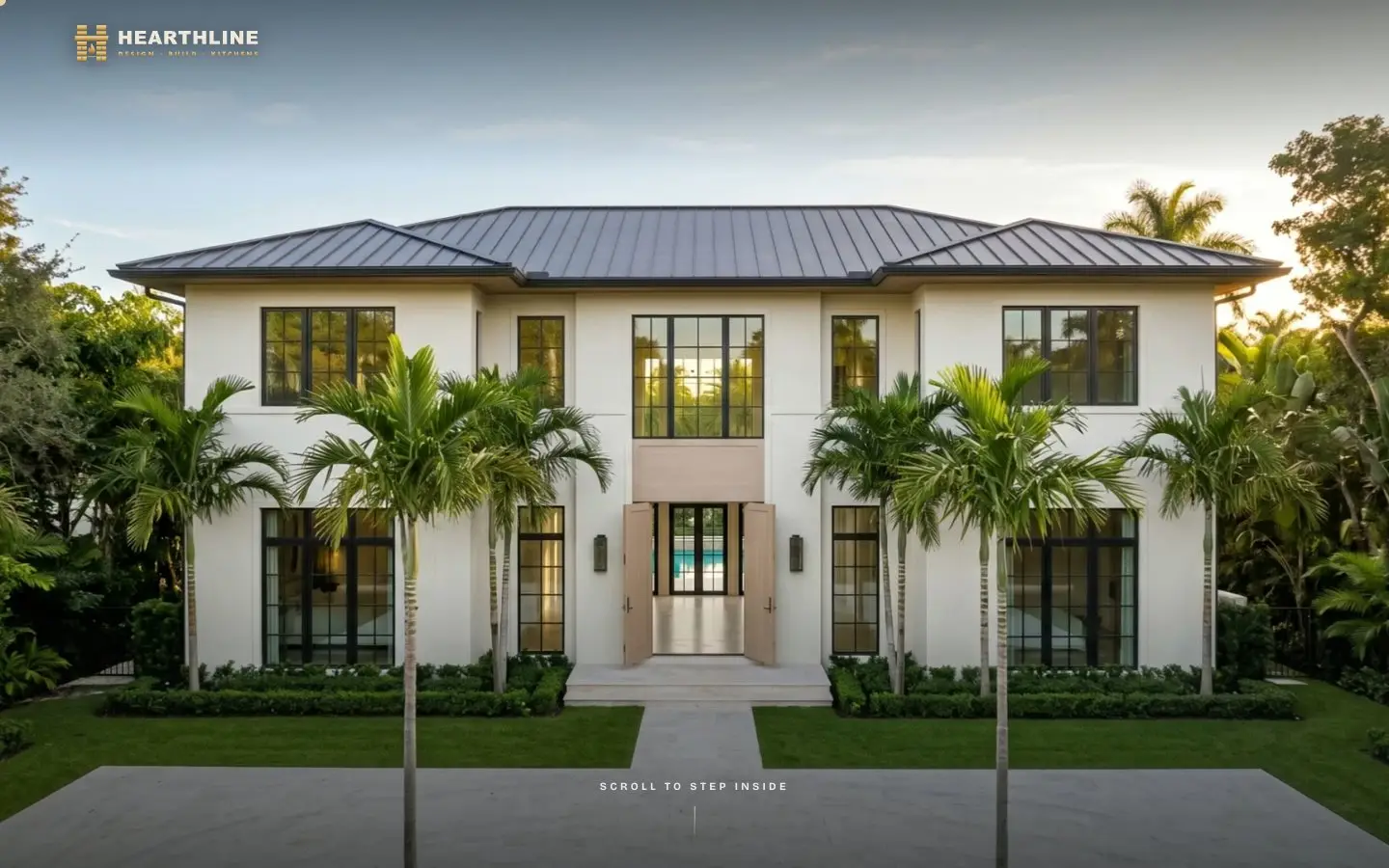
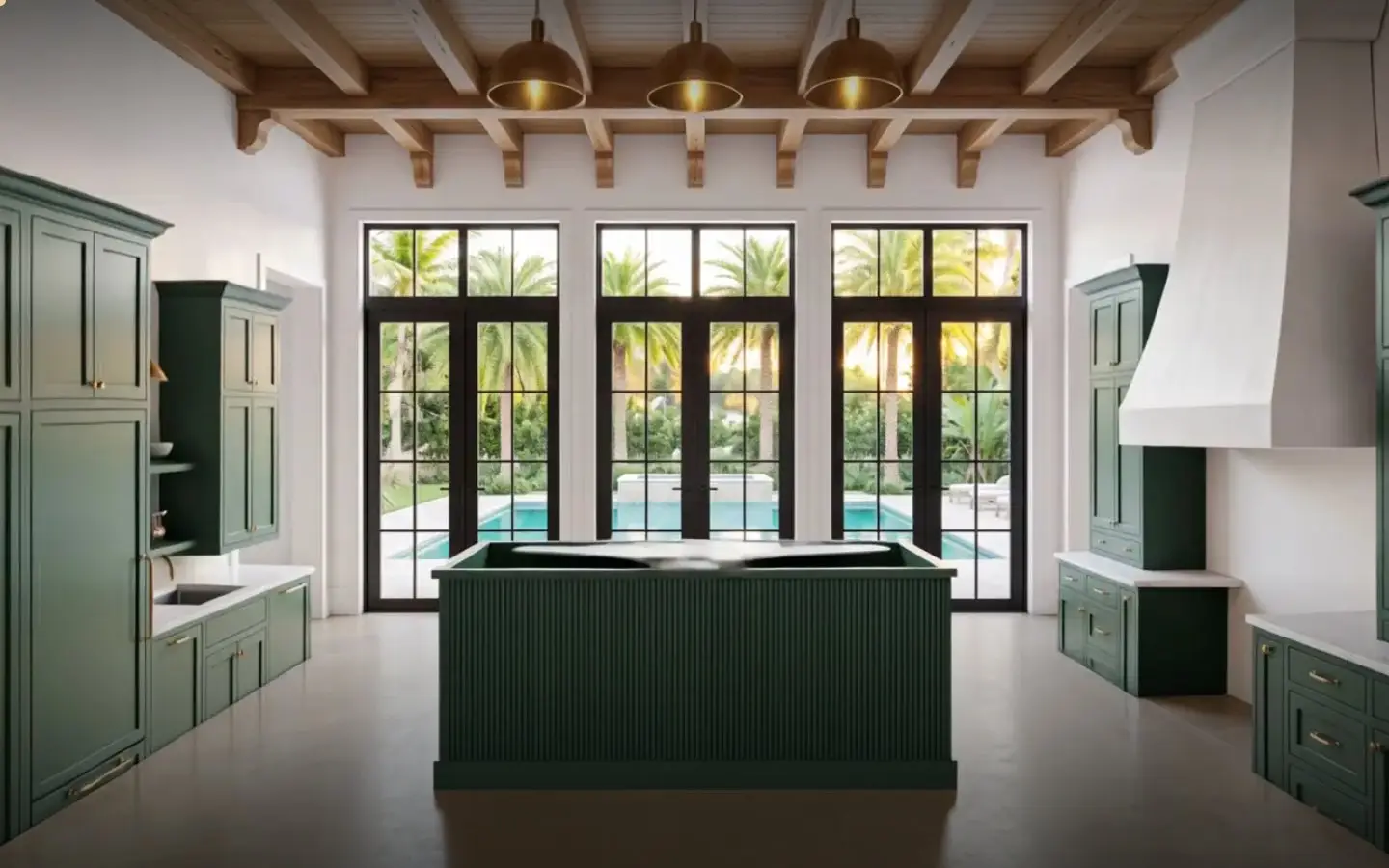
How it works: it is a short film, but your scroll is the play button. We made three matching stills with AI (the empty room, the finished kitchen and the same kitchen at dusk), had an AI video model fill in the motion between them, and cut the result into 327 frames. The page shows the frame that matches how far you have scrolled, so you can go forward, back or stop anywhere.
To keep it smooth, the page only keeps about 20 frames near your position ready at a time, phones get a lighter set of frames, and a sharp still image shows first so nothing looks empty while the rest loads.
What we built
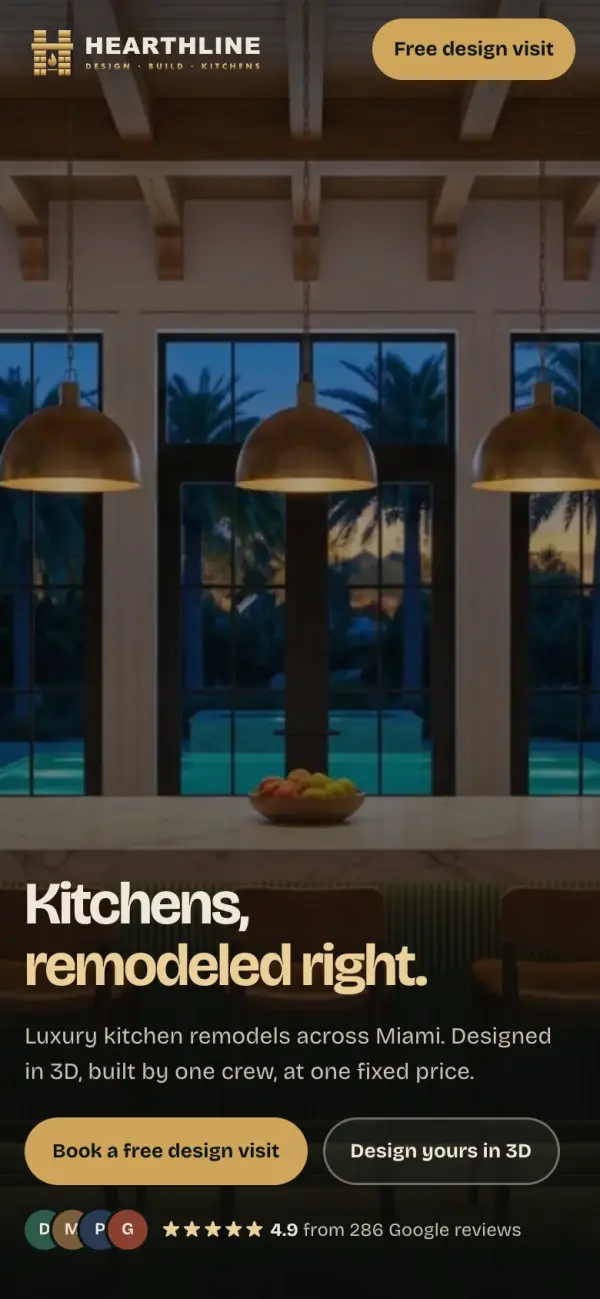
- A hero that builds the kitchenThe scroll film above, with no text over it until the kitchen is finished.
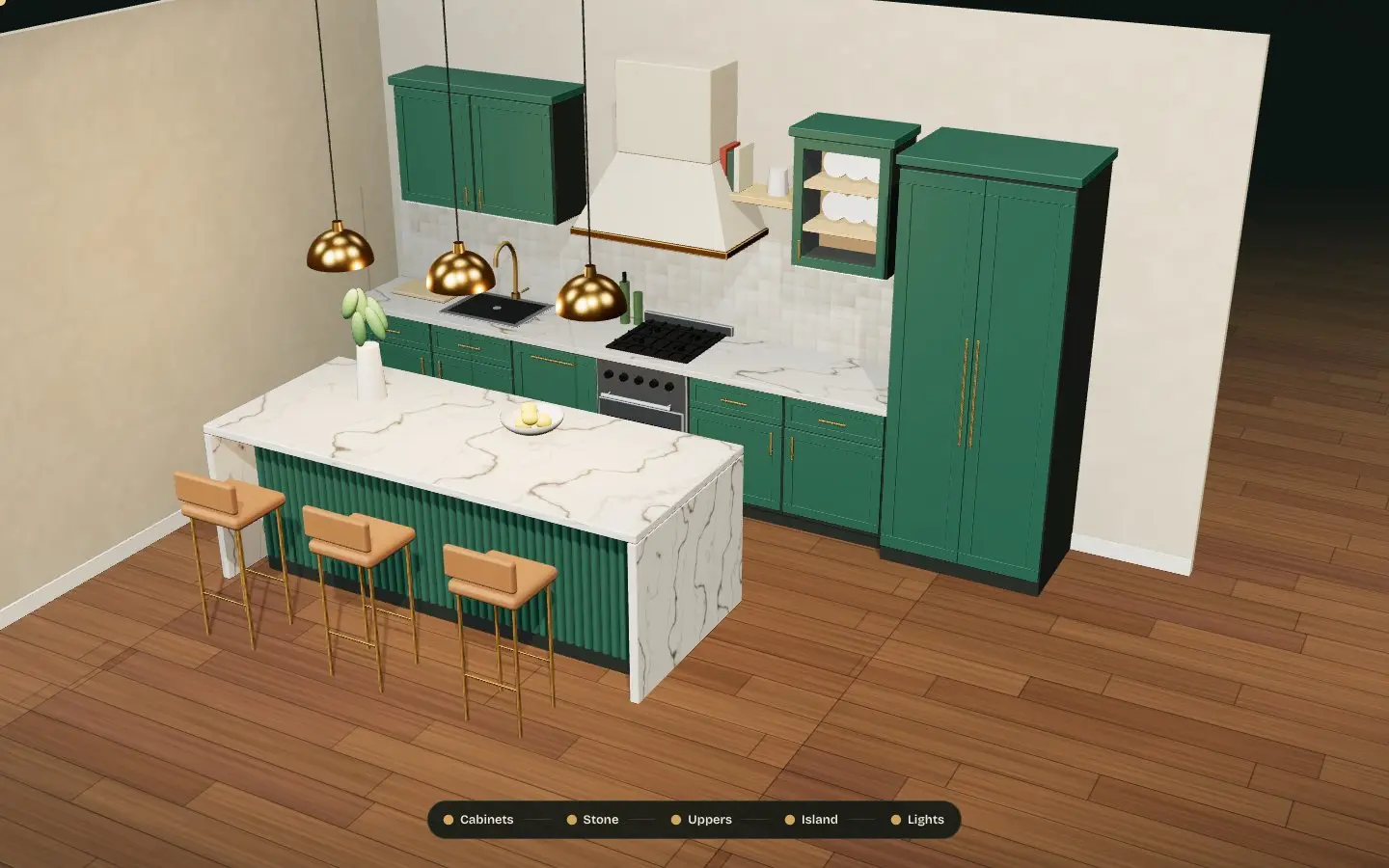
- A 3D kitchen you can changeIt assembles as you scroll. Then you pick the cabinets, countertop, backsplash and hardware and see them change in 3D.
- Before and afterA drag slider between an old condo kitchen and the same room remodeled.
- A showroom wallReal stone, wood and brass photos that drift at two speeds, with a light sheen on hover.
- Finished kitchensA project slider you can drag, with a full-screen view for each photo.
- Process, pricing and service areaA six-week timeline that shows the same room step by step, price ranges, FAQ and a map of the areas served.
Speed and mobile
We tested the demo in Chrome, set up like a mid-range phone on a slow 4G connection (4x slower processor, 1.6 Mbps). These are our own lab numbers from November 13, 2026.
- First screen visible
- 1.6 son the slow phone test
- Layout shift
- 0nothing jumps while it loads
- First download
- 8 MBphone, mostly film frames
- Desktop film
- 24 MBsharper frames for big screens
The honest trade-off: the first screen shows fast, and nothing moves around while the page loads. But a scroll film is heavy. The film frames keep downloading in the background, so the full page takes much longer on a slow phone than a normal business site would.
That is fine for a showpiece. For a real client, we would choose where the effect is worth it: a lighter film, fewer frames on phones, or a short video in its place, so the site stays quick where your customers are.
How AI made it fast
The first version took about 20 minutes. We described the business, the look and every section in plain words, and AI wrote the page, the styles and the scroll effects. The kitchen photos were made with an AI image tool, and the material photos are free stock images.
Then we refined it by hand. The first draft looked good, but it was not ready. Over the next few days we made the scroll smooth enough to film, toned down the lights so the white marble kept its veins on camera, fixed the phone layout, and tested it on real phones.
What that means for you: AI lets us show you a real design much faster than before. The part that still takes skill is the finish: making it fast, clear and easy to use on a phone, so people call you.
See what is costing your website calls
We check your website the way a customer sees it on a phone: speed, security, the call button and your Google listing. You get a PDF with the 3 fixes that matter most.
- A PDF report in your inbox in a few minutes
- No website yet? A free homepage mockup for your business, the same day
- Nothing to sign and no calls. Want to talk it through? Book a 15-minute meeting.