Fuse Web Design › Guides for businesses · Español
Website gets visits but no calls? What to check from your phone
Google Search Console defines impressions as how often someone saw a link to your site on Google, and clicks as how often someone clicked a link from Google to your site. If those are low, it is a visibility problem. If there are clicks but few calls, the problem is probably the page, and you can check it from a phone: a number you can tap, hours, a short form, a Spanish option if your customers need it, speed, real photos and reviews, and a clear service area. We don't promise calls: it is a list to remove obstacles for your customer.
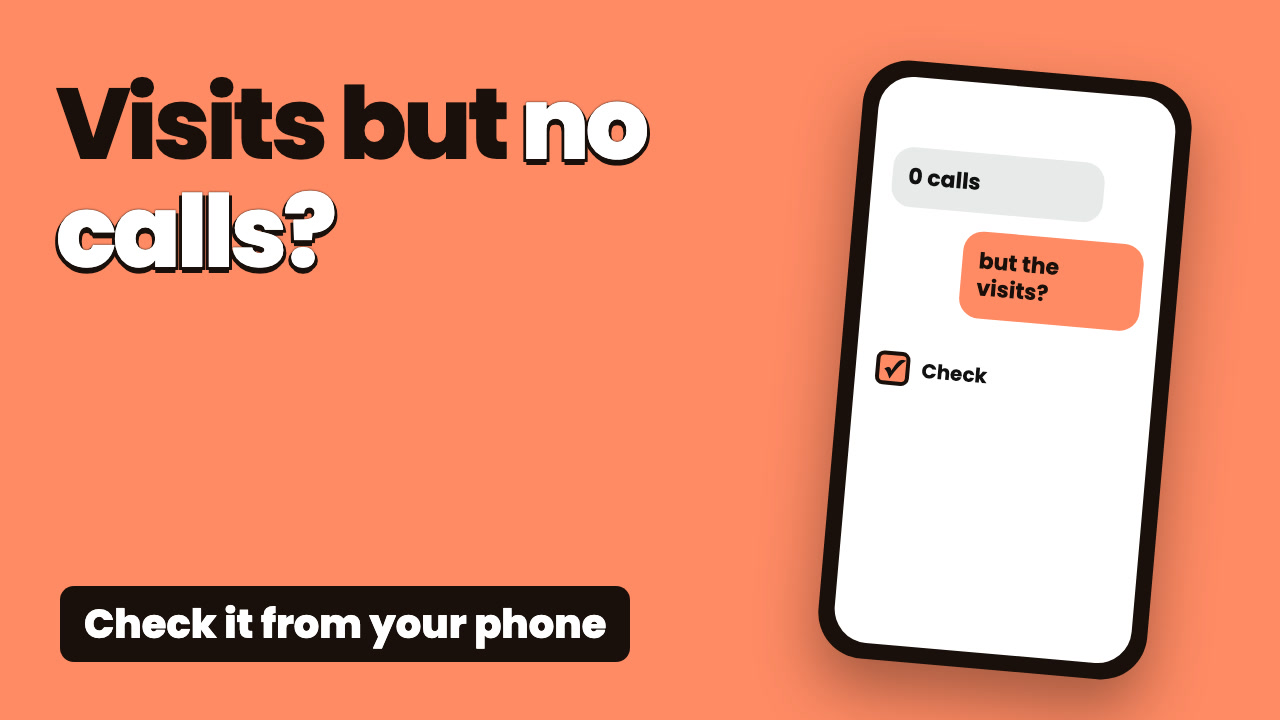 The video is coming this week
What Google says (official text)
“Impressions: How often someone saw a link to your site on Google.”
Impressions is how often someone saw a link to your site on Google.
“Clicks: How often someone clicked a link from Google to your site.”
Clicks is how often someone clicked from Google to your site.
“Calls: The number of times a customer clicked on the call button on your Business Profile.”
Calls counts taps on the call button of your profile, not calls answered. You need to add your phone number to the profile to see this metric.
“Website clicks: The number of times people clicked on the website link on your Business Profile.”
Website clicks counts the times people tapped the link to your site on your profile.
Two problems that look alike but aren't
Few visits
Few impressions and clicks in Search Console, or few views of your Google profile. That is a visibility problem.
Visits, no action
There are website clicks, but few calls or messages. The problem is probably the page.
Compare two numbers
On your Google profile, compare Calls with Website clicks.
What you can't see
Search Console and the profile don't show what happens inside your page. Keep your own call notes or use call tracking.
Check your site from your phone
1. Number at the top, and tappable
Real text, not an image, and tapping it should start the call. Test it on an iPhone and an Android.
2. Hours and service area
Easy to spot without hunting. For example: “Hollywood, Hallandale and Aventura”.
3. A short form
Name, phone and what they need. Fill it out yourself and confirm the message reaches your phone.
4. A Spanish option
If your customers speak Spanish, add Spanish text and an easy way to reach you in Spanish.
5. Speed on mobile data
Turn off Wi-Fi and open your page. If it's slow, your customer feels it too.
6. Real photos and reviews
Photos of your own work and reviews from real customers, not stock images.
7. Clear services
What you do and where, in plain words.
8. Same phone and website on your profile
Make sure your Google profile and your page show the same phone number and link.
Recap
- A number you can tap
- Hours and service area in view
- A form that reaches you
- Spanish text if your customers need it
- Real photos and reviews
Where to see calls and clicks on your Google profile
Owners and managers only
Google says Business Profile owners and managers of verified profiles can check views, clicks and other customer interactions.
Which numbers there are
Calls, website clicks, directions (how many people asked for directions) and views (how many people viewed your profile on Search and Maps).
How to read them
Calls counts taps on the button, not calls answered. None of them promises results: they are clues about where to look.
Free report: we check your site from a phone
We look at your site the way a customer sees it on a phone: number, form, speed and more. Free.
- We tell you what your site is missing on a phone
- We look at number, form, speed and photos
- Free, no strings attached
Frequently asked questions
How do I know if my problem is visits or the page?
If Search Console shows few impressions and clicks, or your profile has few views, it is a visibility issue. If there are website clicks but few calls, it is probably the page.
Does Search Console tell me how many calls I get?
No. Search Console measures impressions, clicks and CTR. On your Google profile, “Calls” counts taps on the call button, not calls answered.
Who can see my Google profile numbers?
Google says owners and managers of a verified Business Profile can check views, clicks and other customer interactions.
Official sources
- Google Search Console Help: Performance report
- Google Business Profile Help: Understand your Business Profile performance
This is general information, not professional advice or a promise of results. The definitions come from Google's help pages and can change: check the official source.